
Rig & Texture Characters in After Effects
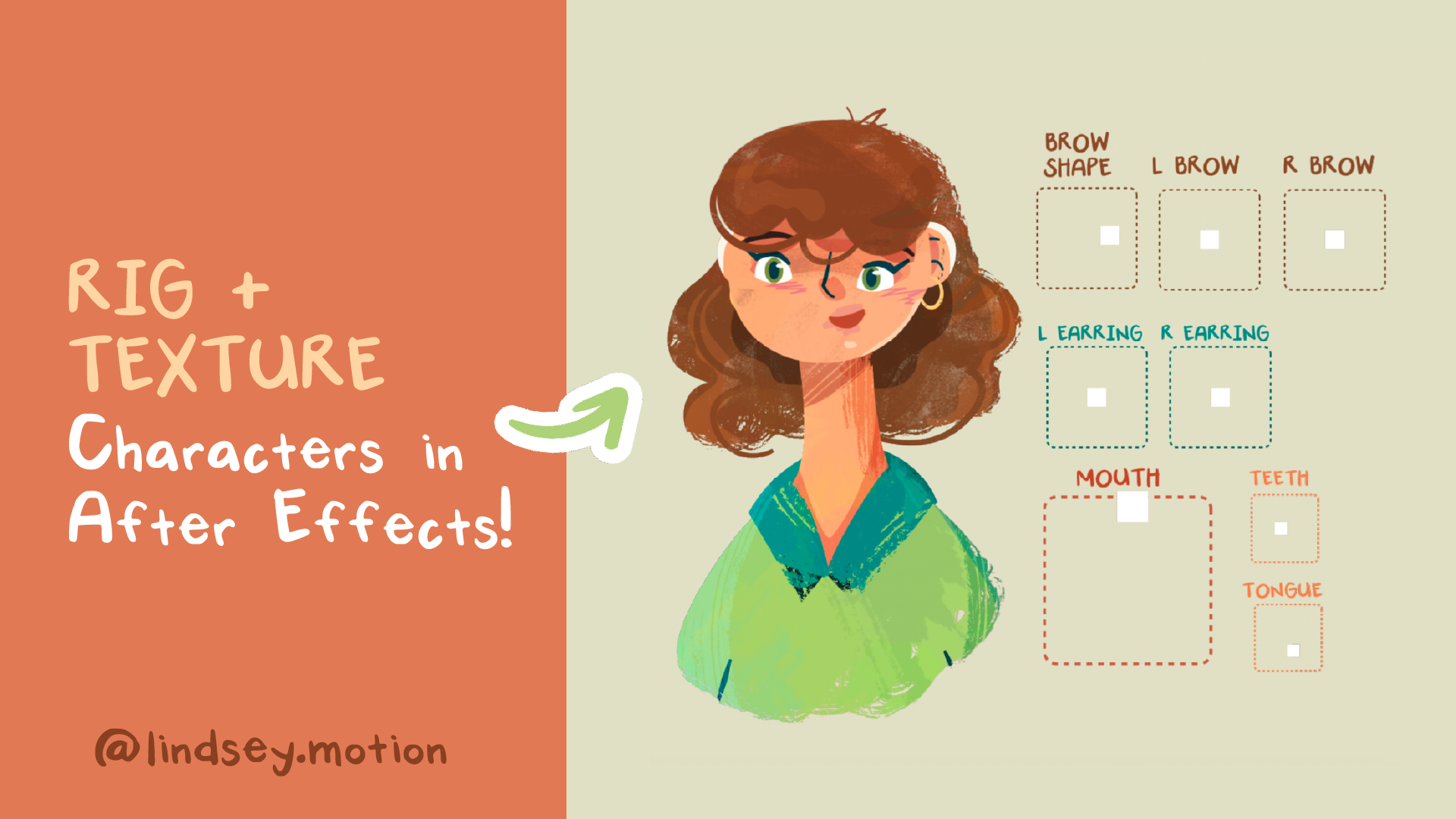
Do you want to learn how to create a vector-based character rig while still achieving a textured, hand-drawn feel?
In this tutorial, I'll show you how I combine a few simple techniques to make clean vector animation feel a little more organic. By layering effects in After Effects, looping hand-drawn brushstrokes, and animating on a lower frame rate, you can add texture, personality, and a touch of imperfection to your work.
You'll follow my entire process from start to finish, including:
Setting up the character in Illustrator
Building the rig with AE Script’s Joysticks ’n Sliders
Creating hand-drawn textures and looping brushstrokes in Procreate
Bringing everything together in After Effects for the final animation